
Take the jukebox with you! With the JukeANator Web/Mobile App you can browse the music library, see what is playing now, queue up your favorite songs, build your own playlists and add credits to your account, all from your phone, right from your seat. No download required: it runs in your phone's web browser.
Scan the QR code with your phone's camera, or go to
www.jukeanator.com/get-app:


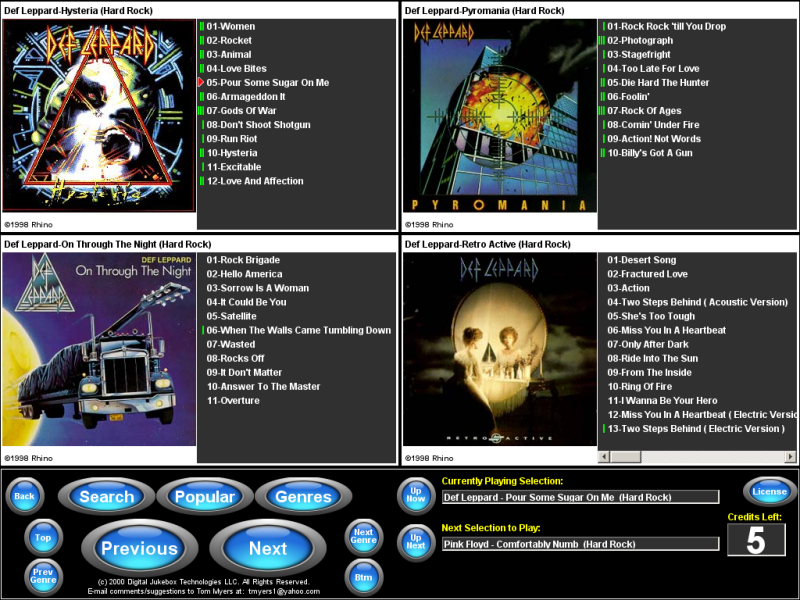
The key to the ease-of-use is how music is organized, chosen and played. Music is categorized by genre, artist and CD title, and an automatic numbering scheme gives each song in the library a unique 4 or 5 digit number (depending upon how many CD titles there are). Songs can be chosen either by their unique number, or by touching or clicking on them. Chosen songs are added to the "Song Queue", which can be adjusted on the fly: add or remove songs and change the order in which they will be played.